Step 1
Upload Your Image
Drag and drop the image you want to enhance. The AI photo enhancer supports JPG, PNG, and WebP image formats.
New imglarger released, try new Enlarger / Enhancer / Upscaler with better performance.
Improve low-quality, noisy, compressed, or dull photos in seconds. Imglarger AI Photo Enhancer restores clarity, reduces artifacts, refines textures, and makes images look cleaner while preserving natural color and lighting.
Drag & drop one image here
or click to browse
JPG, PNG, WEBP · up to 8 MB
Follow these simple steps to improve photo quality and upscale your image with Imglarger.
Drag and drop the image you want to enhance. The AI photo enhancer supports JPG, PNG, and WebP image formats.
Select the output quality that fits your image. Use a lighter setting for quick cleanup or a higher-quality result when you need stronger detail restoration.
Click 'Upload and Start' to process your image. In seconds, you can preview the enhanced result, compare before and after quality, and download the improved image.
Enhance clarity, contrast, texture, and fine detail in one workflow. The AI photo enhancer is built for images that look soft, compressed, noisy, or generally low quality.


Reduce digital noise, JPEG artifacts, blockiness, and muddy textures from web downloads, social media uploads, screenshots, and old low-resolution photos.
Improve AI-generated images from Nano Banana, GPT Image, Midjourney, Flux, Stable Diffusion, DALL·E, and other AI art tools by cleaning up artifacts, refining textures, and improving visual clarity.
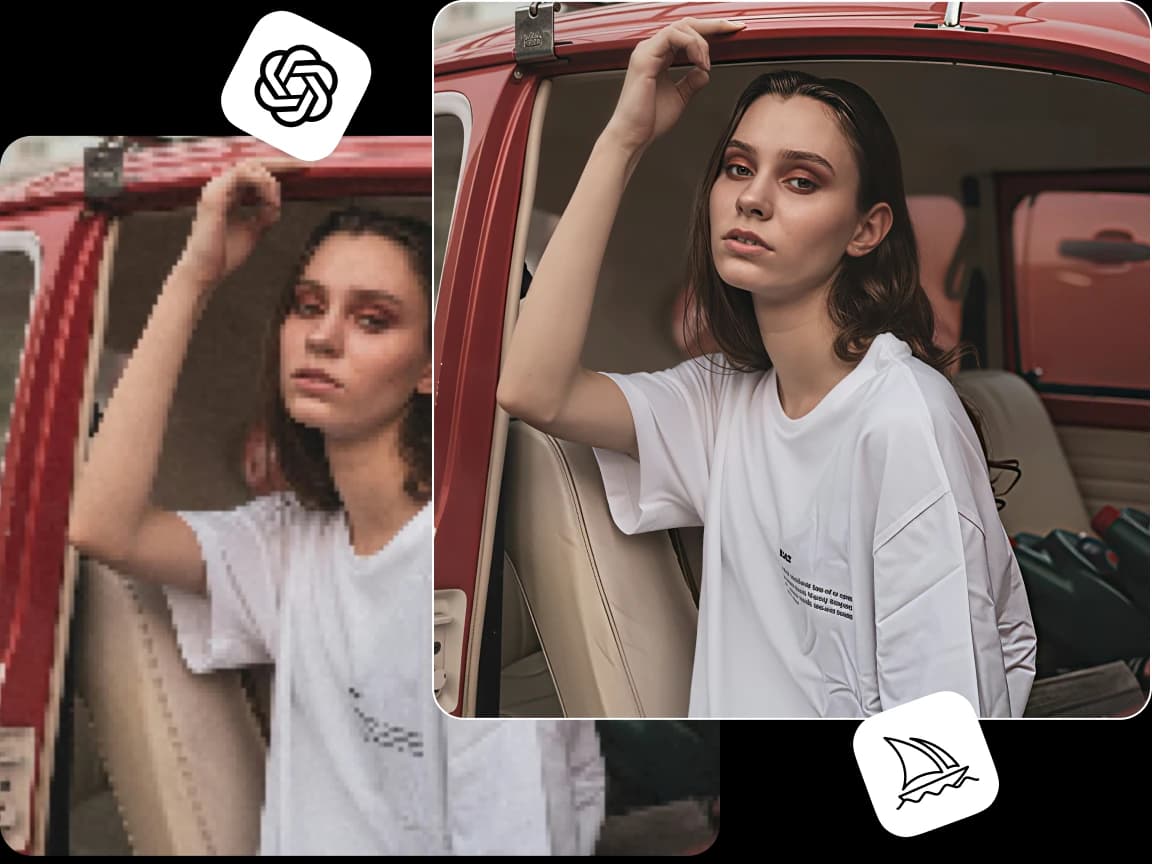
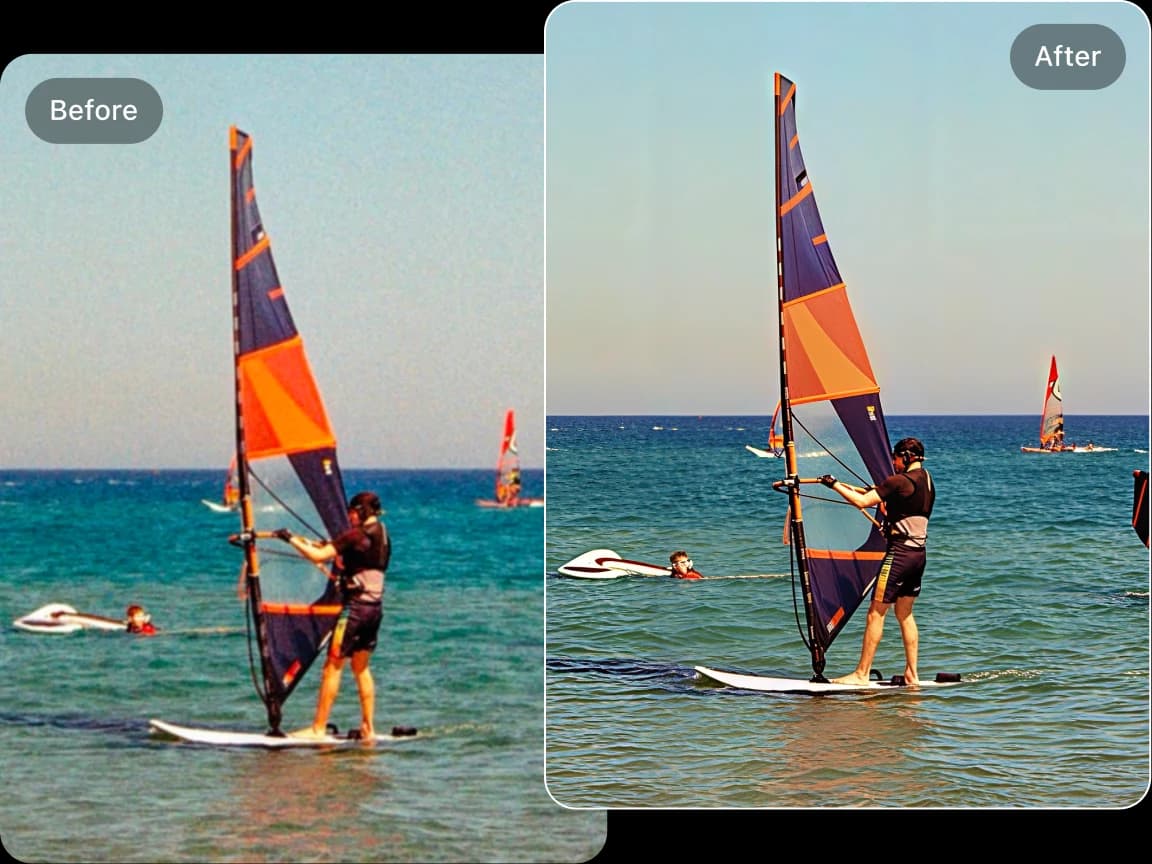
The AI improves visible detail while helping faces, colors, skin tones, and lighting stay natural. It is a practical choice when you want a cleaner photo, not an obviously edited one.
Use the AI image enhancer for portraits, product photos, anime images, digital illustrations, screenshots, and content assets that need better quality before publishing or sharing.
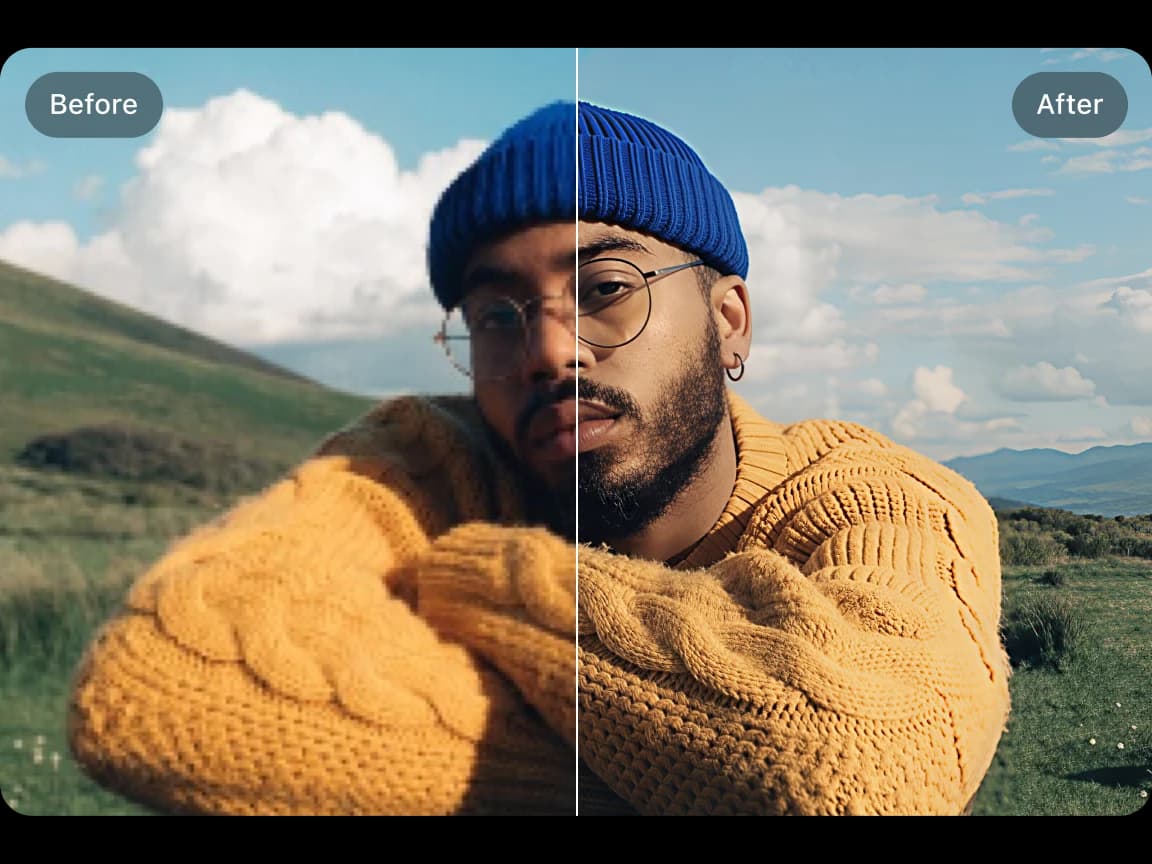
Boost image quality with AI-powered tools that enhance clarity, sharpness, and resolution in seconds.
Increase image resolution up to 8K while maintaining exceptional quality with AI-based upscaling technology.
Enhance multiple images at once with batch processing to save time and improve productivity effortlessly.
Use AI to automatically remove image backgrounds in one click, making image editing simple and fast.
All uploaded and processed images will be cleared after 6 hours. No data is stored or shared with third parties.
Start using AI tools for free without any sign-ups or restrictions, and enhance your images instantly.
Get Answers to Your Questions About Imglarger
The AI photo enhancer improves image clarity, sharpness, texture quality, and overall detail. It also reduces blur, digital noise, and compression artifacts while preserving natural colors and realistic image structure.
Yes. The AI photo enhancer can reduce visible noise, JPEG compression artifacts, blocky textures, and softness to make low-quality images look cleaner and easier to use.
Absolutely. The enhancer works well with AI-generated images from Nano Banana, GPT Image, Midjourney, Stable Diffusion, Flux, and other AI image generators. It helps sharpen details, improve textures, and clean up visual artifacts.
No. The AI photo enhancer is designed to preserve the original colors, lighting, and overall structure of your image while improving clarity, sharpness, and texture quality.
It works well for portraits, compressed web images, AI-generated artwork, anime pictures, old low-resolution photos, screenshots, digital illustrations, and any image that needs better clarity and higher resolution.
No editing experience is required. Simply upload your image, choose the output quality, and let the AI automatically improve sharpness, detail, and overall image quality.
Yes. After processing, you can compare the original and enhanced versions online before downloading the final result.
Yes. The AI photo enhancer improves overall image quality, including noise, compression, clarity, and texture. The AI image sharpener is more focused on fixing blur and restoring sharper edges.